What I think or feel about the things around me and about life and the world (in general)...
My musings
This includes reviews, tips and fixes, rants, frustrations, complaints, achievements, thoughts, experiences, etc and sometimes, a sneak peek on what I'm up to - my next 'big' project!
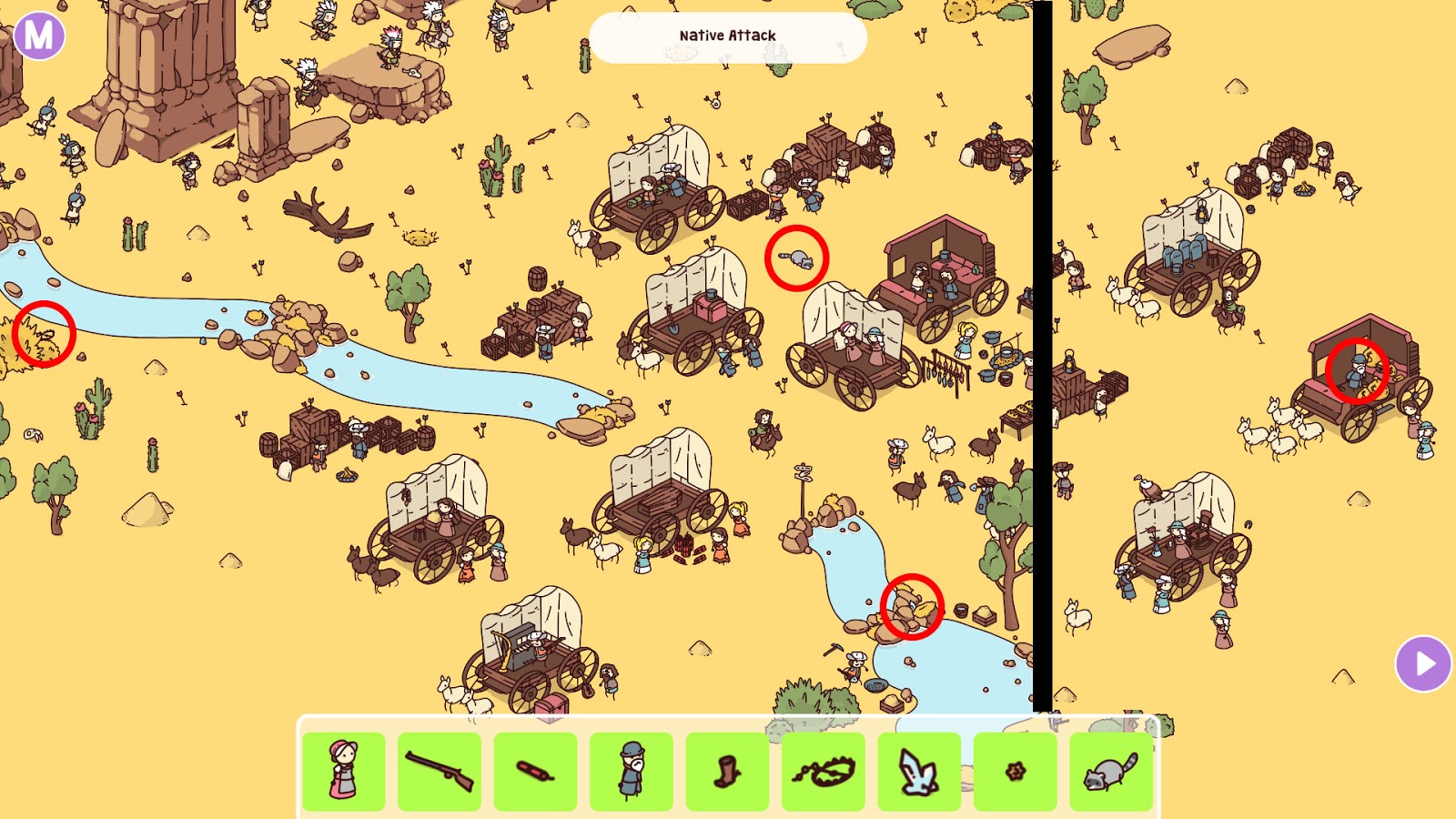
Just in case you got stuck - like I did at the very end with the bank key - here's a video with all the items found.
I'll try to create a much shorter version - speed up all the unnecessary parts where I was just scanning the map for hidden objects - or just do a screenshot version :)
If you're like me and have encountered an issue while using the password manager, Dashlane, where the list of passwords you have stored in your desktop account somehow isn't appearing on your Chrome plugin, then this fix is for you!
First, you should eliminate the "Sync" issue by manually Syncing your passwords... just in case.
To do this, you just need to
Click on the image to enlarge
1. Log into your Dashlane account on your browser or the app (desktop program) and click on "My Account"
2. Click Sync Now
3. Refresh the website you want to log into and check if the issue has been resolved.
If not, this is what you need to do next.
Secondly, check if your Dashlane plugin is actually/properly linked to your Dashlane account.
It is also very possible that, for some reason, a Chrome or browser update may mess up your Dashlane plugin settings which will cause the issues I've mentioned at the very top of this blog post.
However, before you do this, you should confirm that
1. The Dashlane plugin, minus the missing passwords, has a coloured icon on your browser. Coloured = active/working. However, the login fields on the website you want to login show a greyed out Dashlane icon and cannot be clicked, due to the missing passwords in the plugin.
2. You have the desktop version of Dashlane installed on your computer and that when logged in, you can see the entire list of passwords you should have in your account via the desktop app.
To solve this issue, you need to
1. Right click on your Dashlane plugin and select Options. This will open up your browser extensions page - Note that I'm using Chrome here.
Click on image to enlarge
2. Select "Extension Options" (click on the "box with the arrow" icon)
3. This is the crucial part - switch your plugin from "Standalone" to "Desktop"
4. Click "Save and Restart Extension"
5. Refresh the website you want to log into and the Dashlane plugin should now work - it did for me!
This isn't the first time this happened to me and it probably wouldn't be the last.
The Problem
Certain websites aren't loading for me on both Chrome AND Firefox despite having excellent internet connection.
The odd thing was these websites were running smoothly just a few hours before and I've also checked the website URLs here https://downforeveryoneorjustme.com/ just in case the websites are down, and the result came back - It's just me.
The Solution (The Step-by-Step) - Works for Windows 10
Click on the image to enlarge
1. Go to your Search bar and type in "services.msc"
2. Click on the Services.msc app to open. There's no need to run it as an administrator.
Click on the image to enlarge
3. Find "Cryptographic Services", right click and then choose Properties
Click on the image to enlarge
4. In the Properties menu, click the "Log on" tab
Click on the image to enlarge
5. Check both "Local System Account" and "Allow service to interact with desktop", and then click "OK".
Click on the image to enlarge
6. Click the "Restart the service" link or you could also right click on "Cryptographic Services" again and select "Restart"
7. Voila! Problem solved. Note that the affected websites will still load a bit slowly than usual, but at least they are loading!
The Cause
For those of you who are interested, apparently, it's an issue that only affects users who are logged into their Microsoft account, as you'll do if you use Windows 10. Not sure if this issue is ever going to be fixed but this solution should help whenever the problem rears its ugly head again.
So, long story short, I got a month free Origin Basic subscription and wanted to play Pyre, but surprise, surprise... the game keeps crashing on start-up/ whenever I click "Play". Did a bit of googling and I can't believe the solution is so simple! And I'm going to share it with you :)
1. Go to Pyre on Origin and Click on "Settings" (the gear icon)
Click to enlarge
2. Select "Game Properties"
Click to enlarge
3. Disable the checkbox for "Enable Origin In Game for Pyre" and Click "Save"
4. Voila! The game works now! However, do take note that the game might load a bit slower - that's my personal experience as well - so don't hastily Alt+F4. Wait a bit.
One of the best "war music" around... and I'm not even a LoL player! :)
Lyrics:
What are you willing to lose?
You cover your wounds, but underneath them
A million voices in your head that whisper, "Stop, now"
Another twist of the knife, turn of the screws
It's all in your mind and it's fighting you
Arm yourself, a storm is coming
Well, kid, what you gonna do now?
It's your reflection looking back to pull you down
So are you gonna die today or make it out alive?
You gotta conquer the monster in your head and then you'll fly
Fly, phoenix, fly
It's time for a new empire
Go bury your demons then tear down the ceiling
Phoenix, fly
And now you're playing with matches
Come out of the ashes underneath you
A million voices in the crowd they're screaming, "Stop, now"
We'll let 'em swallow their pride, you're turning the tide to true believers
Got them in the palm of your hand, you're playing God now
What you gonna do now?
It's your reflection looking back to pull you down
So are you gonna die today or make it out alive?
You gotta conquer the monster in your head and then you'll fly
Fly, phoenix, fly
It's time for a new empire
Go bury your demons then tear down the ceiling
Phoenix, fly
So are you gonna die today or make it out alive?
You gotta conquer the monster in your head and then you'll fly
Fly, phoenix, fly
It's time for a new empire
Go bury your demons then tear down the ceiling
Phoenix, fly